
Free Second Monitor Apps in 2026: Every Option Compared
Sidecar, BetterCast, OpenDisplay, spacedesk, Deskreen and Duet compared by the devices each one actually supports. The right choice depends on the hardware you already own.
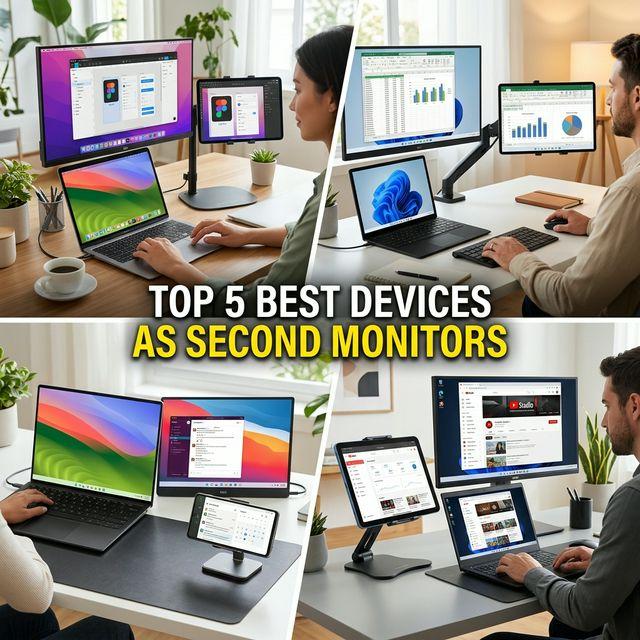
You do not need to buy a monitor to get a second screen. A tablet, phone or spare computer you already own can work as one, and most of the software that does it is free. Which app fits comes down almost entirely to which devices you have, so this page is organised by that rather than by a ranking.
The short answer
- Mac plus iPad, both signed in to the same Apple Account: use Sidecar. It is already installed.
- Mac plus an Android tablet, a Windows PC or a Linux machine: Sidecar cannot do this. BetterCast can.
- Windows PC as the sender: spacedesk is the mature option; BetterCast sends from Windows in beta.
- Apple devices only, and you want a wired iPhone or iPad display: OpenDisplay is built for exactly that.
- You need drawing-tablet or remote-desktop features: those are Duet's paid territory, and no free app here matches them.
Compare by device role
| Capability | Sidecar | BetterCast | OpenDisplay | spacedesk | Deskreen | Duet |
|---|---|---|---|---|---|---|
| Price | Free, built in | Free, GPLv3 | Free, GPLv3 | Free for personal use | Free, open source | Paid subscription |
| Mac sender | Yes | Yes, macOS 13+ | Yes, macOS 14+ | No | Yes | Yes |
| Windows sender | No | Beta | Not listed | Yes | Yes | Yes |
| Linux sender | No | No | No | No | Yes | No |
| iPhone / iPad receiver | iPad only | Yes, iOS 15+ | Yes, iOS 16+ | Yes | In a browser | Yes |
| Android receiver | No | Yes | Not listed | Yes | In a browser | Yes |
| Windows / Linux / Mac receiver | No | Yes | Mac 12+ | Viewer options | In a browser | Mac and Windows |
| Account required | Same Apple Account | No | No | No | No | Yes |
Apple Sidecar
Built into macOS and iPadOS, so there is nothing to install and nothing to pay. It is the right first try if you own a Mac and an iPad.
The limits are strict, though. It works with iPads only, both devices must be signed in to the same Apple Account, and Apple restricts it to a list of supported models. There is no Android, Windows or Linux support of any kind.
BetterCast
Free and open source under GPLv3, with no account. It sends from macOS 13 or newer, and from Windows in beta using an installer that includes a virtual display driver. It receives on iPhone and iPad from iOS 15, on Android, on Windows, on Linux and on another Mac.
Its distinguishing feature is the breadth of that receiver list: it is the option to look at when your second screen is not an Apple device. It can also drive more than one receiver at a time, giving each its own virtual display and resolution. Supported Apple devices can connect directly peer-to-peer without a router; mixed-platform setups generally use a shared local network, and there are wired options over USB.
Linux is a receiver only. BetterCast does not extend a Linux desktop.
OpenDisplay
Also free and GPLv3, also no account, and focused deliberately on Apple hardware: a macOS 14 sender with iPhone, iPad and Mac receivers, including a documented wired setup. If your devices are all Apple and you want a USB-connected iPad display, it is a direct and well-made choice.
It lists no Android, Windows or Linux receivers among its official apps, and its OS requirements are a step newer than BetterCast's at both ends.
spacedesk
Free for personal use and long established, with iOS, Android and browser clients. The catch is the host side: spacedesk runs on Windows only. If your main machine is a Mac or a Linux box, it is not an option at all, and commercial use requires a licence.
Deskreen
Free and open source, and unusual in that the second screen only needs a web browser, so almost any device works as a client. It runs as a sender on macOS, Windows and Linux, which makes it the one genuinely free way to extend a Linux desktop. Delivering the screen through a browser adds an encoding and transport layer, so expect a less direct experience than a native client.
Duet Display, and where paid still wins
Duet is a subscription: $4/month for Air, $5 for Studio and $6 for Pro, billed annually, with lifetime purchases at $199, $249 and $299. For a plain second display that is hard to justify when free options exist.
It is worth the money if you want what the free apps genuinely do not have: graphics-tablet use with pixel-perfect rendering, remote desktop, and device mirroring. Do not switch away from Duet expecting a free app to replace those.
Luna Display takes a different approach again, using a hardware dongle rather than software alone. It is a one-time purchase rather than a subscription; check Luna's current price and Mac compatibility before buying.
How to choose without overthinking it
- If you have a Mac and an iPad, try Sidecar first. It costs nothing and takes no setup.
- If Sidecar will not cover your devices, work out which machine is doing the sending. That eliminates most of this list immediately.
- Then pick on the receiver you own. This is where the free options differ most.
- Only pay if you specifically need drawing-tablet or remote-desktop features.
Start with the MacBook setup guide, or compare the two open-source options directly in BetterCast vs OpenDisplay.
Sources and review
This roundup is published by BetterCast, so read it as a vendor comparison rather than an independent review. Competitor capabilities, requirements and pricing were checked against each product's own site on September 7, 2026; BetterCast's were checked against its README and releases and its build settings. Prices and features change, so confirm current plans with the vendor before you buy.
We do not publish head-to-head latency figures for any of these apps. We have not run a controlled benchmark across them, and a claimed maximum frame rate is not a measurement of end-to-end latency.
Ready to try BetterCast?
Free, open-source, and works on every platform. Turn any device into a second monitor in under a minute.