01
The screen in your drawer.
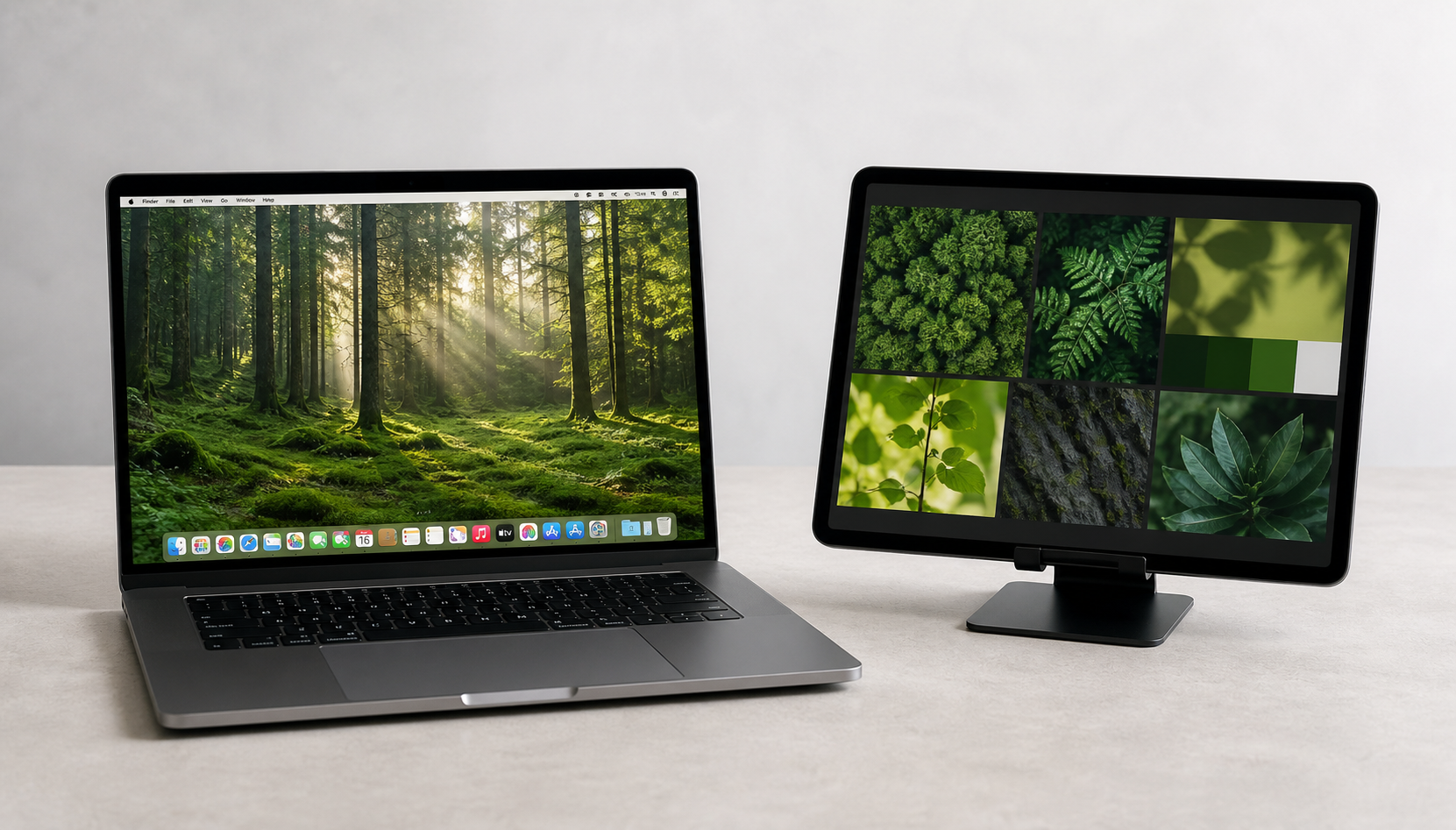
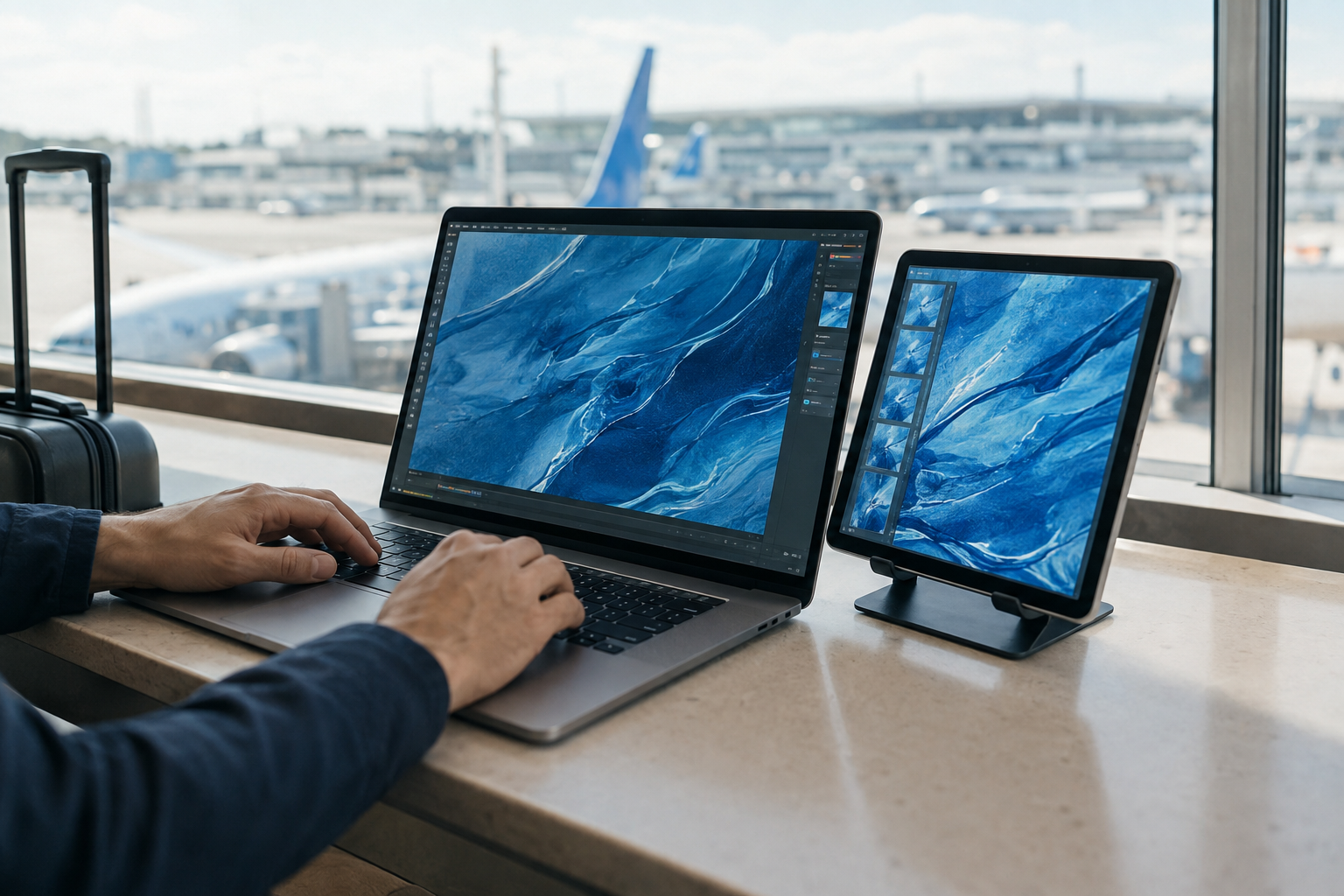
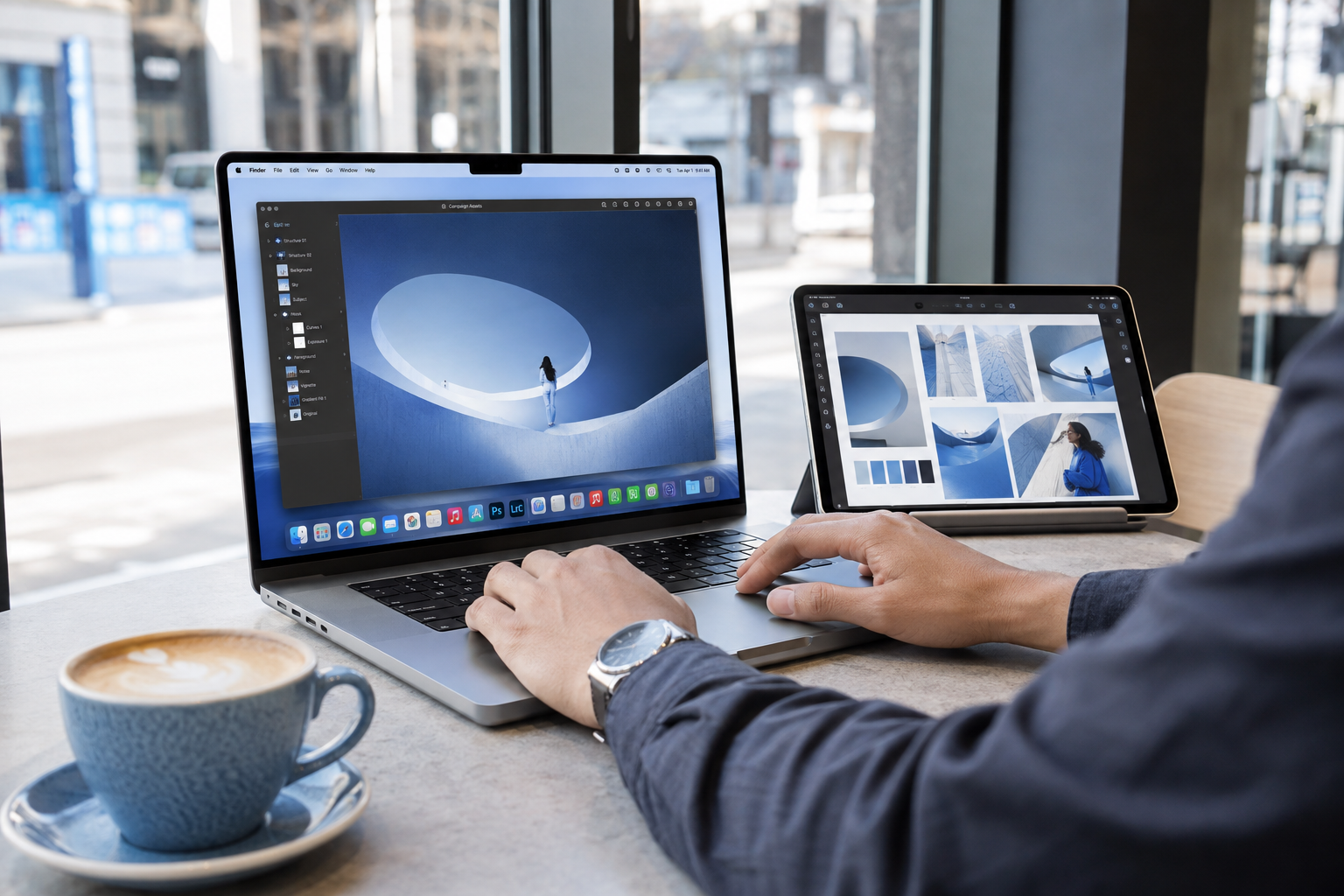
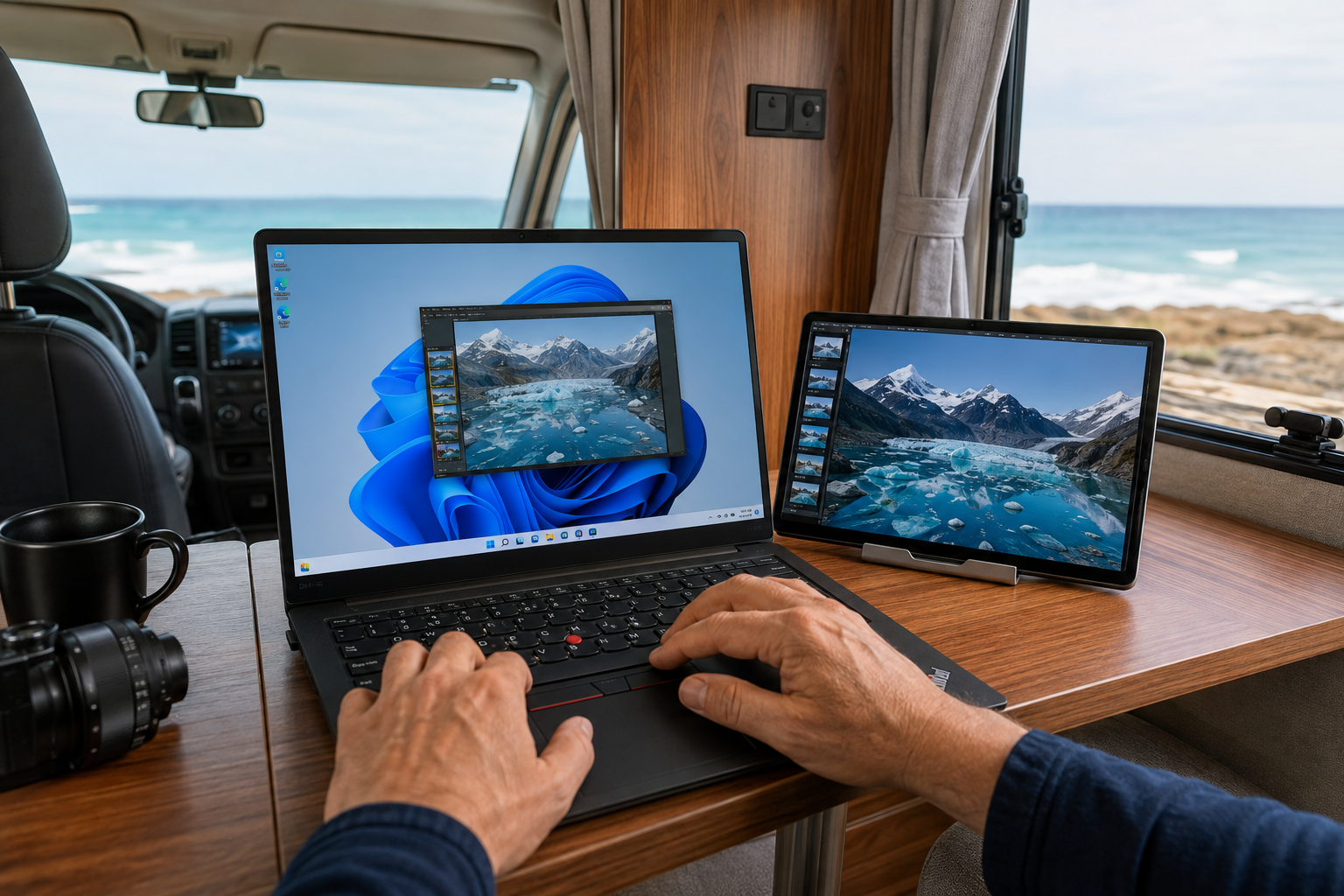
Make that spare tablet useful again. Give your notes, references, or inbox a space of their own.
 BetterCastGet BetterCast
 ↗ MORE ROOM FOR WHAT YOU DO
BetterCast is a free, open-source second monitor app.
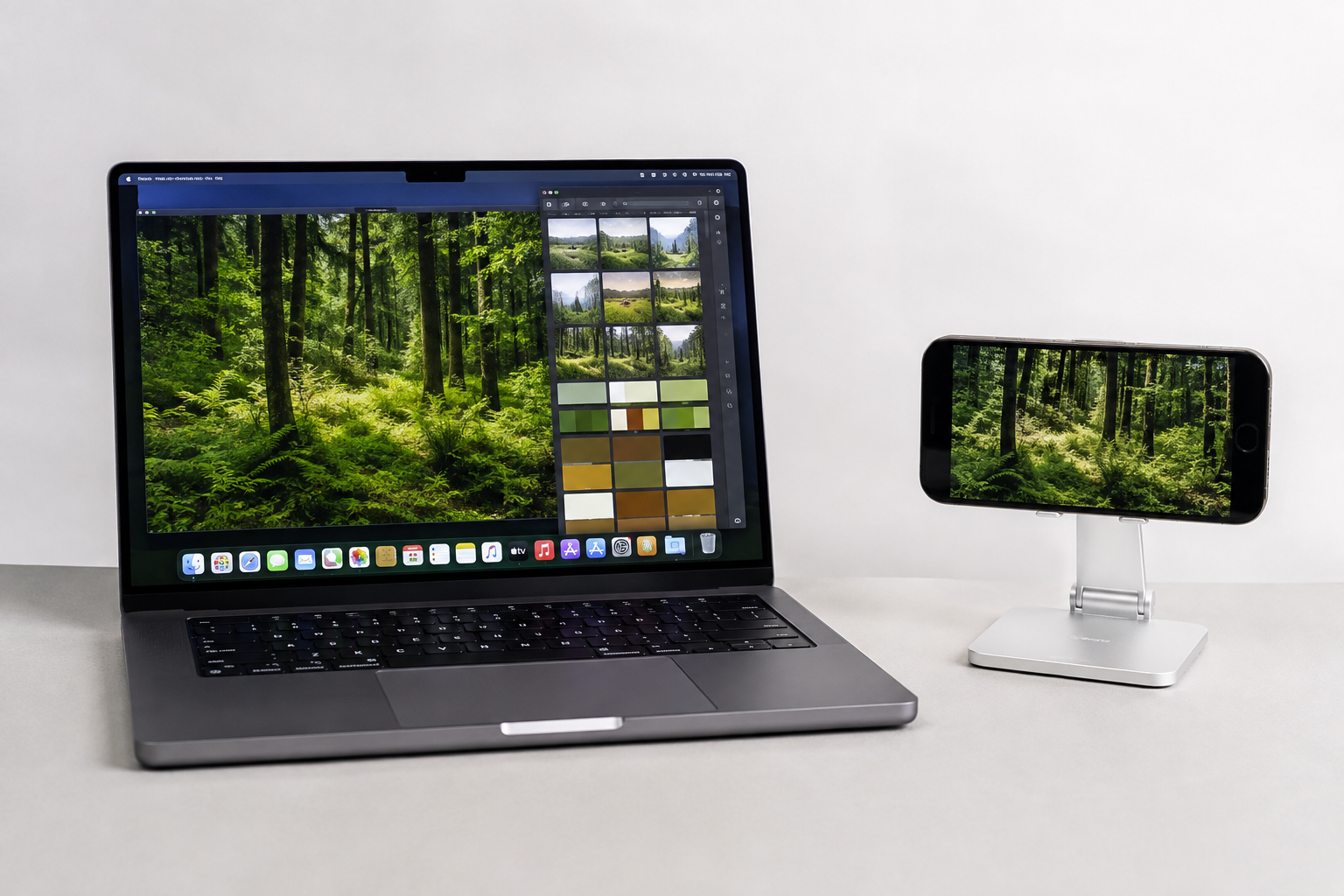
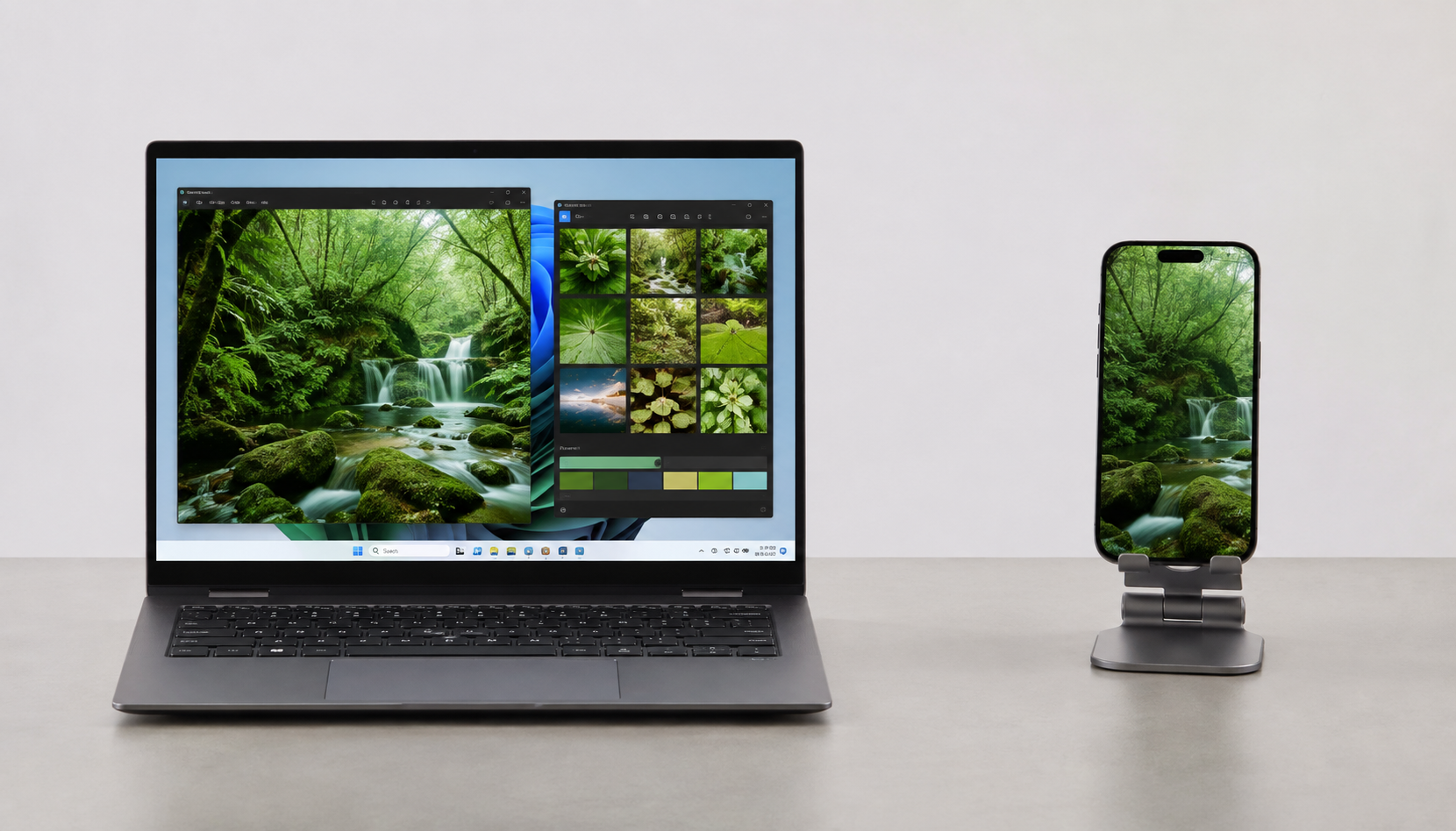
Extend your Mac or Windows desktop to a compatible phone, tablet, or spare computer. Windows sending is in beta.
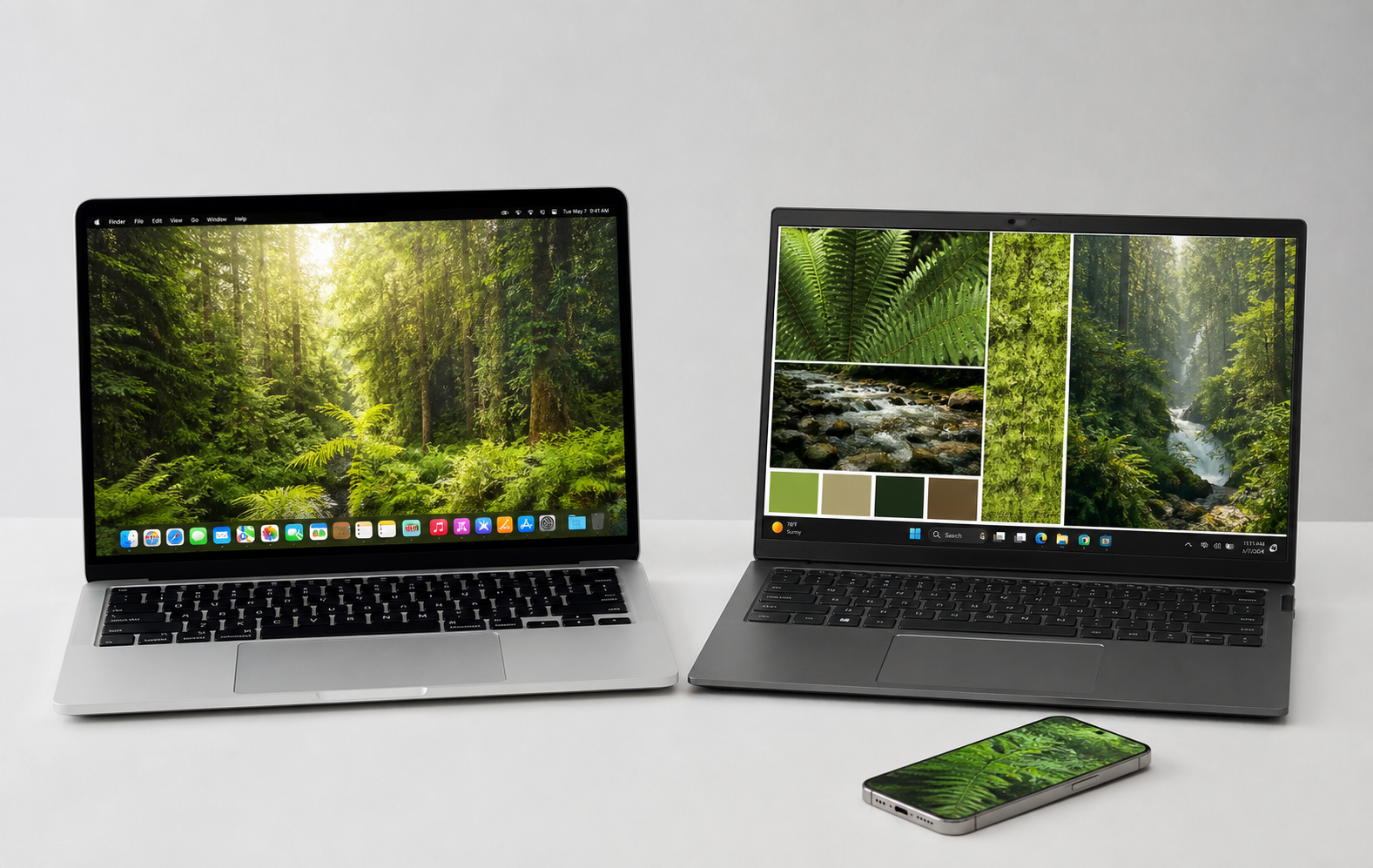 Mac → Windows
LESS HARDWARE. MORE POSSIBILITY.
Make that spare tablet useful again. Give your notes, references, or inbox a space of their own.
Stream directly between your devices. Apple devices can connect peer-to-peer, without a Wi-Fi router.
Free software. Open source. No account required. A little more freedom for the devices you already own.
CORE FEATURES
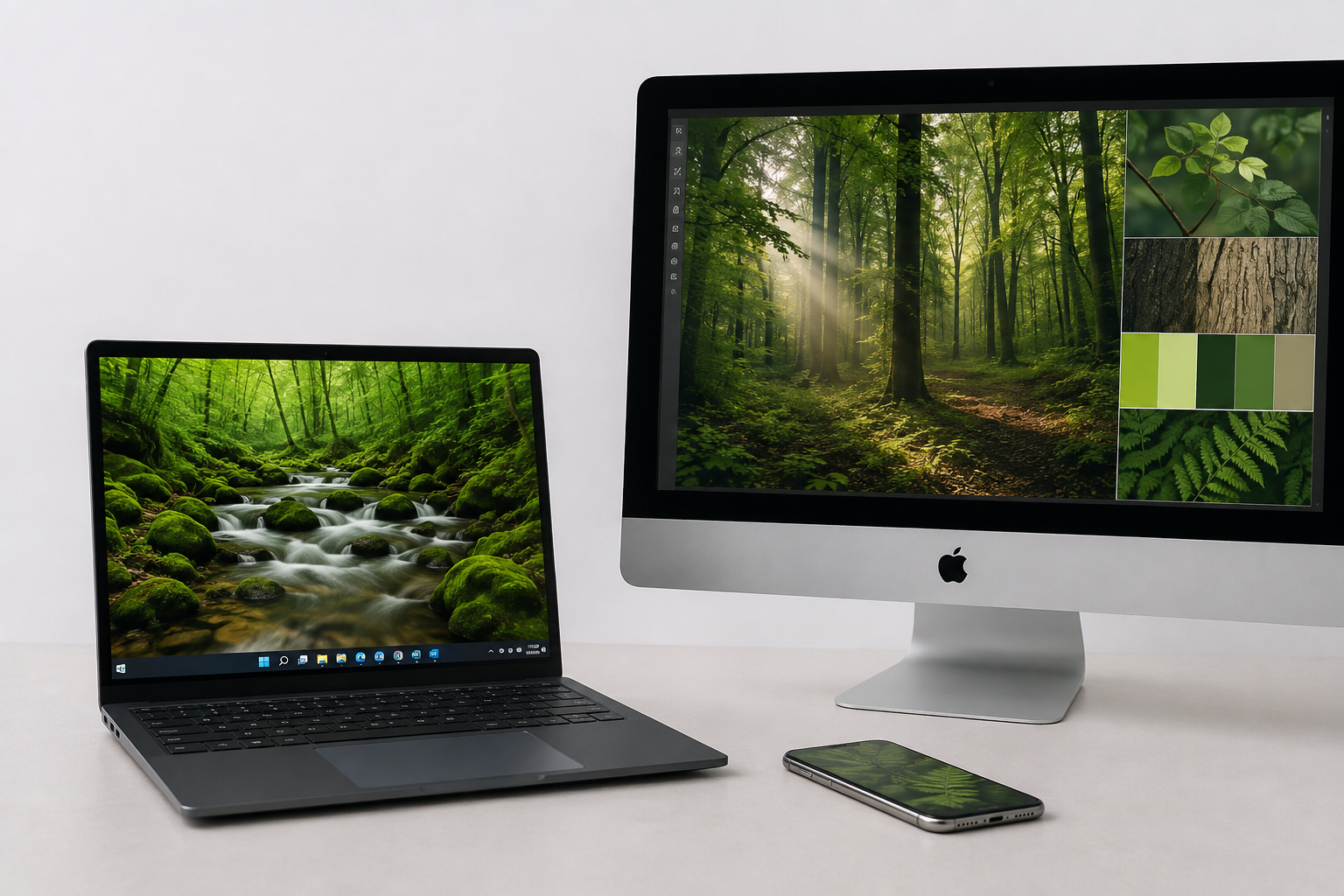
Send from Mac or Windows, then receive on iPhone, iPad, Android, Windows, Linux, or another Mac.
Hardware-accelerated HEVC and H.264 keep motion smooth while adaptive quality matches the connection.
Supported Apple devices can discover and connect directly over AWDL, without relying on a Wi-Fi router.
Connect multiple receivers at once, each with its own virtual display and resolution.
Send optional audio and pass mouse or keyboard input from a receiver back to your computer.
IN THEIR WORDS
“As a former Luna and Astropad user I’m very happy to see BetterCast!”
FIND YOUR FLOW
Start with your main computer.
Bring another screen along.
Use your Mac as the sender. Windows sending is available in beta. Add the receiver app to your second device.
Connect over your local network, or use direct peer-to-peer between supported Apple devices.
Choose your receiver, extend your desktop, and move a window onto your new display.
WHY PEOPLE CHOOSE BETTERCAST
One open-source app for the mix of screens you actually own.
Swipe or scroll the table to compare →
FIND YOUR SETUP
Set up an extra display, arrange your screens, and troubleshoot discovery.
Read the setup guide ↗Compare local second-screen use with Duet’s wider product offering.
Compare with Duet Display ↗Two free, open-source options. Choose based on the devices you own.
Compare with OpenDisplay ↗BRING YOUR DEVICES TOGETHER
Start with your main computer. Then install the receiver on your extra screen.
Download the .dmg for sender or receiver.
Download for macOS ↗Sends over Wi-Fi, Thunderbolt or a USB cable. Also shows a plugged-in iPhone or iPad on your Mac, with nothing to install on the phoneReceiver app — free on the App Store for iPhone and iPad.
Open App Store ↗Best experience — low latency. Opens the App StoreDownload the receiver APK. Picture-in-picture, streams that keep running when you close the app, and your device's native resolution. Also supports Android screen mirroring to Mac.
Download for Android ↗Real-time over USB, H.265 over Wi-Fi. Installs straight over 1.1 to 1.3 — only the old v7 build needs uninstalling firstDownload the Windows installer — now a sender as well as a receiver. Extend or mirror your Windows desktop to another device, or use the PC as an extra screen.
Download for Windows ↗Sender is beta. Installs a virtual display driver, so use the installer rather than a portable build. SmartScreen will warn on first run — not code-signed yetDownload the Linux receiver (beta). Receiver only — sender coming soon.
Download for Linux ↗Beta — receiver only, not yet optimized. Expect higher latency than Mac/iOSFREE SOFTWARE. COMMUNITY SUPPORTED.
If BetterCast gives your screens a second life, consider supporting its development. Every donation is optional.
A FEW THINGS TO KNOW
From your first connection to your next setup.
A SECOND LIFE FOR YOUR SCREENS
Free & open source · No account needed